Game Design
Palette Swap
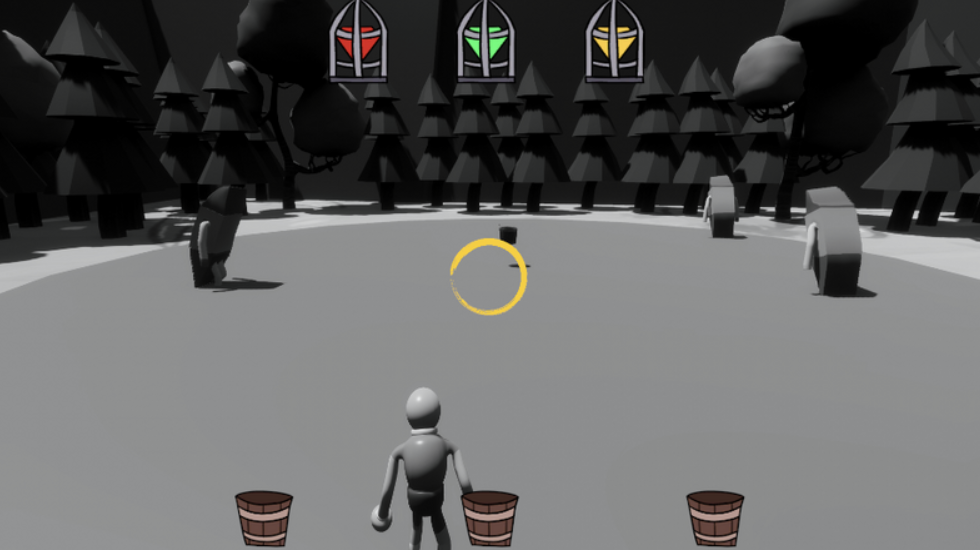
Palette Swap was a game developed in Unity 6, on a small team of five developers, over the span of four months. I took on the roles of systems designer and backend programmer, and my primary contributions to the project revolved around creating movement and interactions between the player, world, and enemies.
Examples of this are the design of our Enemy AI for both detection and pathing, as well as our player movement and grappling system, used for the platforming aspects of the game.
Enemy AI: detection and patrol
Our Enemy AI systems were based around raycast detection, and had two enemy states: Patrol and Chase. If the player entered their detection field of view and range, enemies would stop following their set patrol path and chase the player. Once the player left detection range, they would return to the nearest point on their patrol path and resume the Patrol state.
A Low-Cost Cinematic Camera
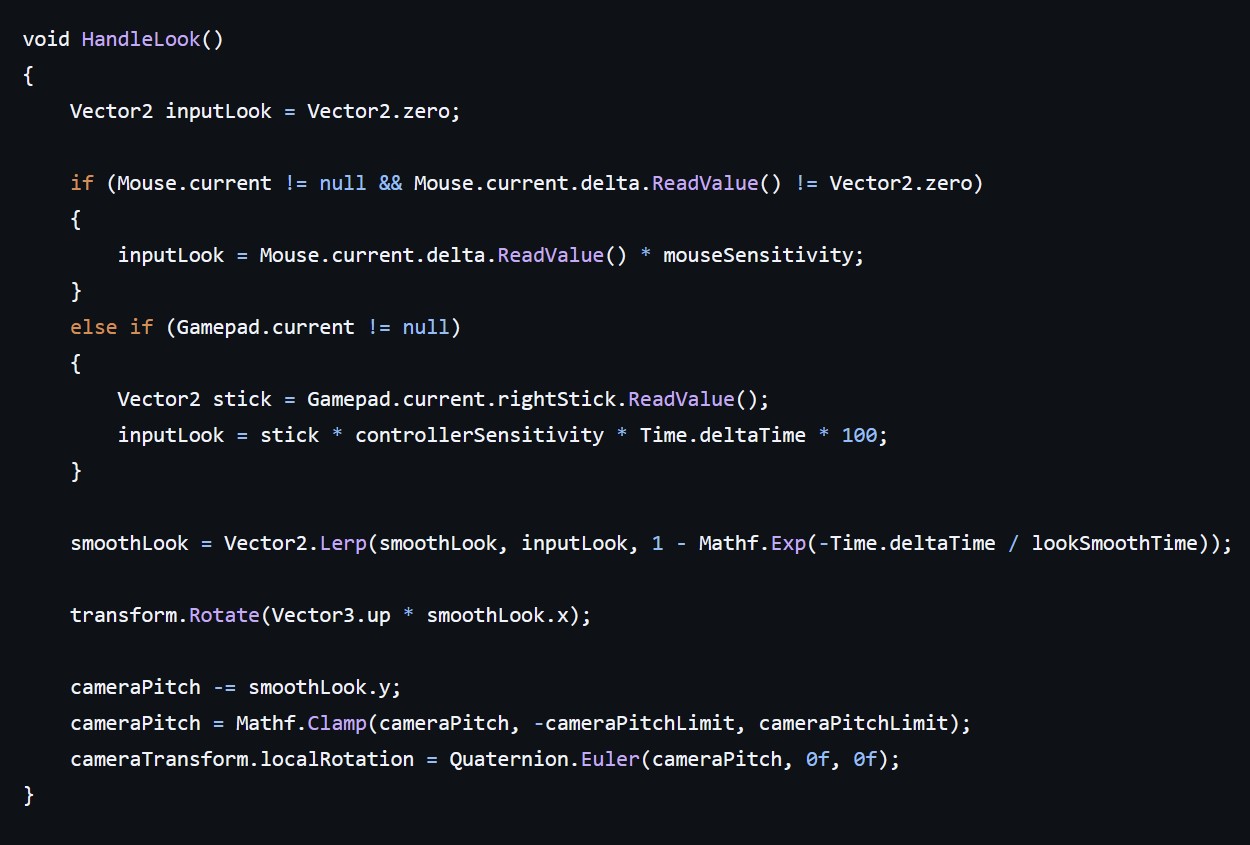
When designing the system for camera control, something that was very important to me was smooth motion. Introducing Lerp when shifting the camera was the most direct implementation method, and it worked well for the purpose of our game. The primary drawback to this method is the lack of customization available, but it succeeded in making our camera feel cinematic. This only took an hour or so from research to implementation, but it vastly changed the feel of our game.
Building the grapple
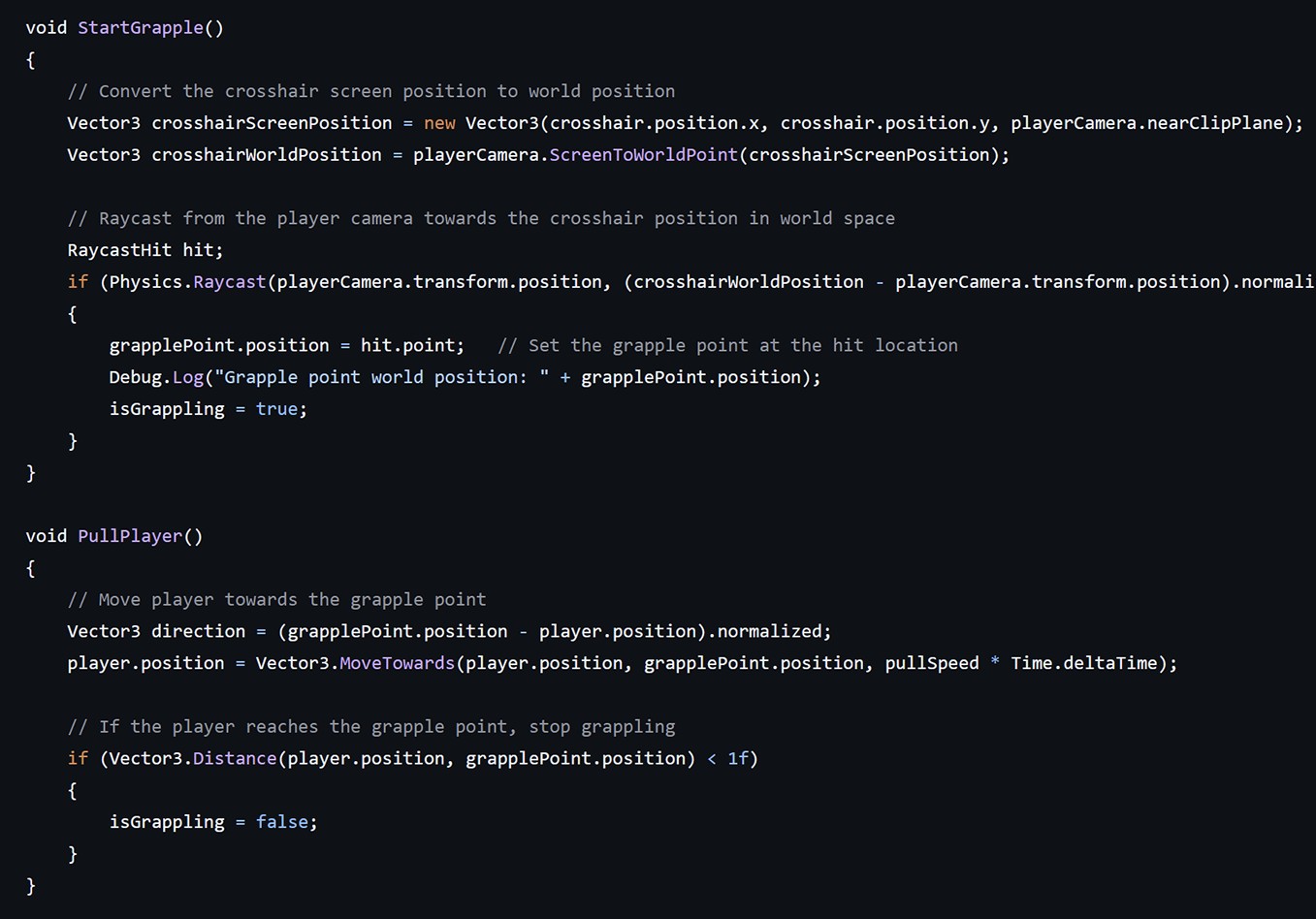
The grappling system consisted of Vector3 move and transform functions, combined with raycast checks for grapple point eligibility. This was designed to be as robust as possible for future tuning, but the system backfired initially, causing headaches during debugging, as our root movement system was not compatible with how our designers had created the player prefab.
We eventually settled on changing the prefab and keeping the code portions intact, but this interaction caused me to rethink my design process when working with different styles of character movement.